Focus
.mdFrame occupants, and following their scroll.
Each person occupies at most one frame. The frame’s occupant shows as an avatar in its header, and whoever follows them sees it ringed in the occupant’s colour. Followers scroll with the occupant: “look at this” needs no line numbers.
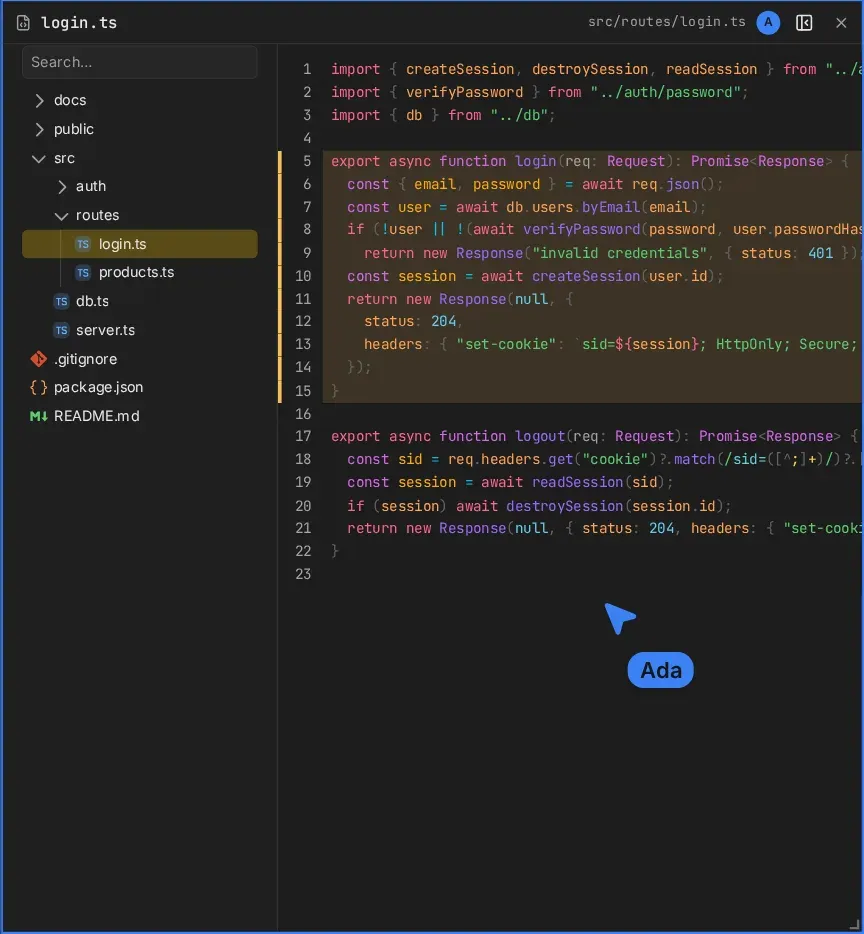
Occupy a frame
- Press a free frame to occupy it.
- Pressing a frame someone else occupies, or the empty board, frees yours.
- If two people press the same frame at once, the earlier one keeps it.
Follow
While you follow a frame’s occupant, its content scrolls with theirs: agent threads, source and preview in files frames, and terminal scrollback. Browser frames and the file tree keep their own scroll.
- Scrolling yourself stops following, for you only. The ring goes, and the avatar fades.
- Click the avatar to follow again.
- A new occupant is followed again.
Agents
An agent occupies the frame it last opened or changed through the board tools, until its turn ends. Its avatar is a bot icon. A person pressing that frame takes it over.
Occupancy is presence: it goes with the person who holds it, like their pointer.