Files
.mdFiles frames, the file tree, line ranges and selections.
A files frame shows one file of the project, read-only and live: when the file changes on disk, for example because an agent edited it, everyone sees the new content.
Pick a file
- A new files frame opens with its file tree. Pick a file, or search the tree.
- ⌘/Ctrl-click a file in the tree to open it in a new frame.
- The tree button in the header shows or hides the tree. The tree is yours alone; the file shown is shared.
The tree lists the shared set: the files canvas serve lets out.
Anything outside it cannot be opened.
Views
- Source: syntax-highlighted, for any text file. Long files are virtualized.
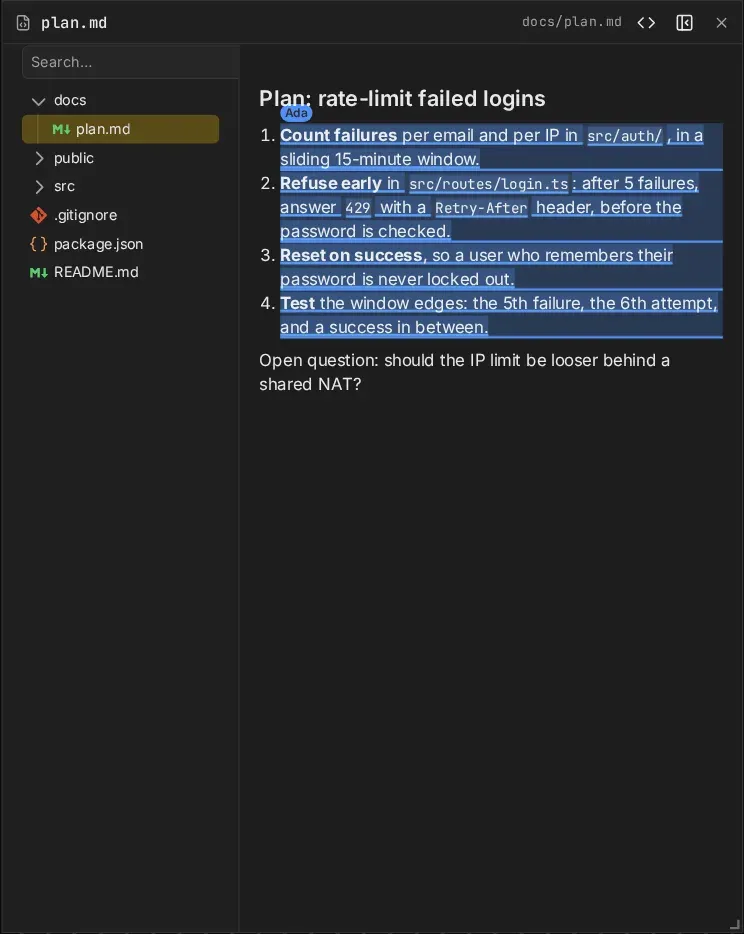
- Preview: markdown and HTML files open rendered. The <> button switches between preview and source for everyone.
An HTML preview runs the page’s scripts, sandboxed: the page can’t reach the board or your browser’s storage for canvas. It is one file: links and assets relative to it (CSS, images, other scripts) don’t load, so inline them. The page keeps its own scroll, and selections don’t show in it.
Files over 1 MiB are too large to show; binary files are not shown. A path that does not exist yet waits, and shows the file as soon as something writes it.
Line ranges
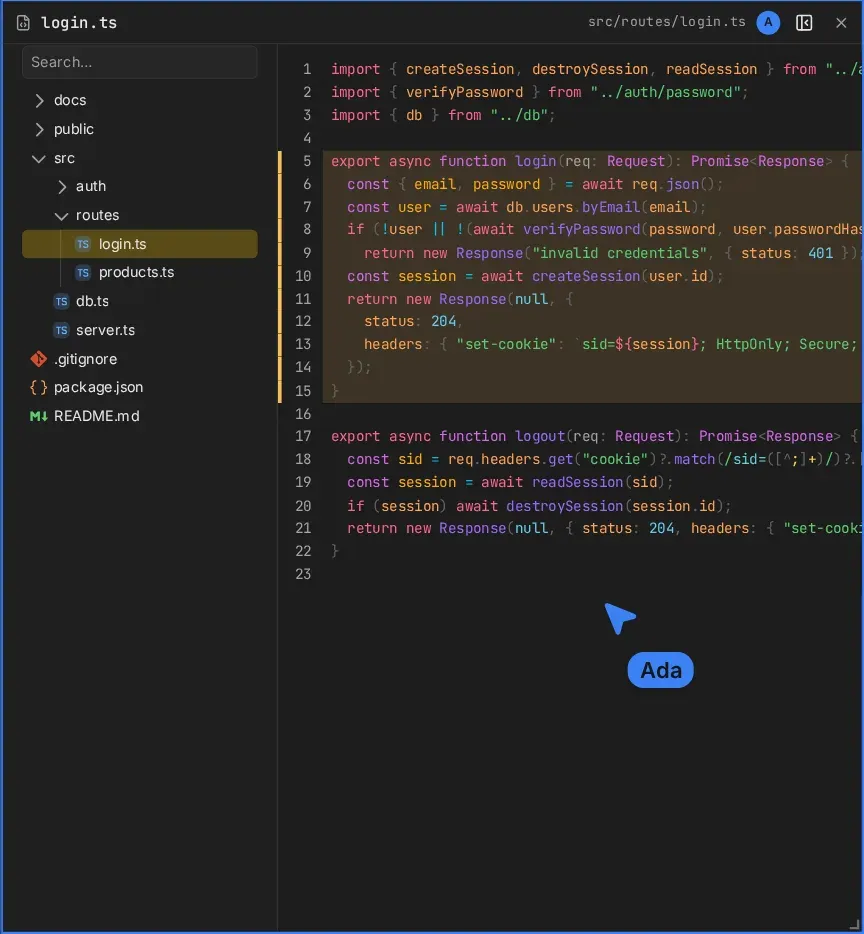
A files frame can show a line range: it opens scrolled to it, with the lines highlighted for everyone. Agents use this to point at code (Board tools).
Selections
Select lines in the source view (drag over the line numbers), or text in the preview, and everyone sees the selection in your colour, labelled with your name.
Guest access
- edit and trusted guests open files and browse the tree, without approval.
- view guests see the files others open, but get no tree and cannot open files.