Pre-release docs, for @frebreco/canvas@next. Stable docs
Terminal
.mdShells on the host's machine, mirrored to everyone.
A terminal frame is a shell on the host’s machine, started in the project directory. Everyone sees its output live.
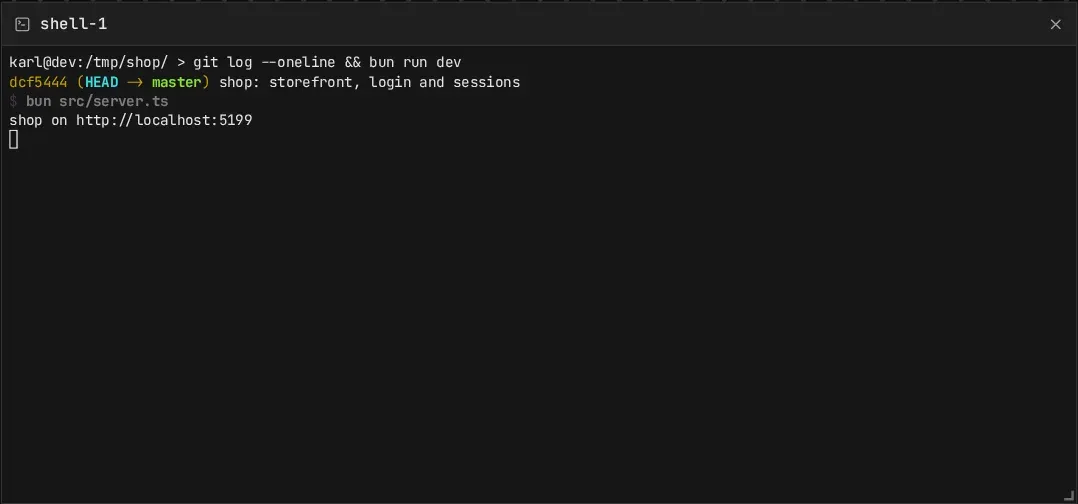
- Who types: the host, and members the host trusts for the session. Everyone else reads.
- Size: the shell follows the size of the host’s frame. In full screen a terminal keeps a height of its own: half the host’s screen to begin with; drag its bottom edge there to change it. Everyone’s full screen shows the host’s height, so what the shell draws fits for all.
- Scroll: whoever occupies the frame drives its scrollback for everyone following (Focus).
Lifetime
- The shell starts when the frame is added, by anyone who can edit the board.
- It keeps running until
canvas servestops, even if the frame is removed. - After a restart of
canvas serve, the frame starts a new shell. The old output is gone.
A terminal runs as the host’s user: whoever types into it can do anything the host can. See Security.